SMS Opt-In Workflow (Toll-Free Verification)
Brand: MyTeamsCalendar • Use-case: Marketing updates and reminders • Opt-out: Reply STOP
How users opt in
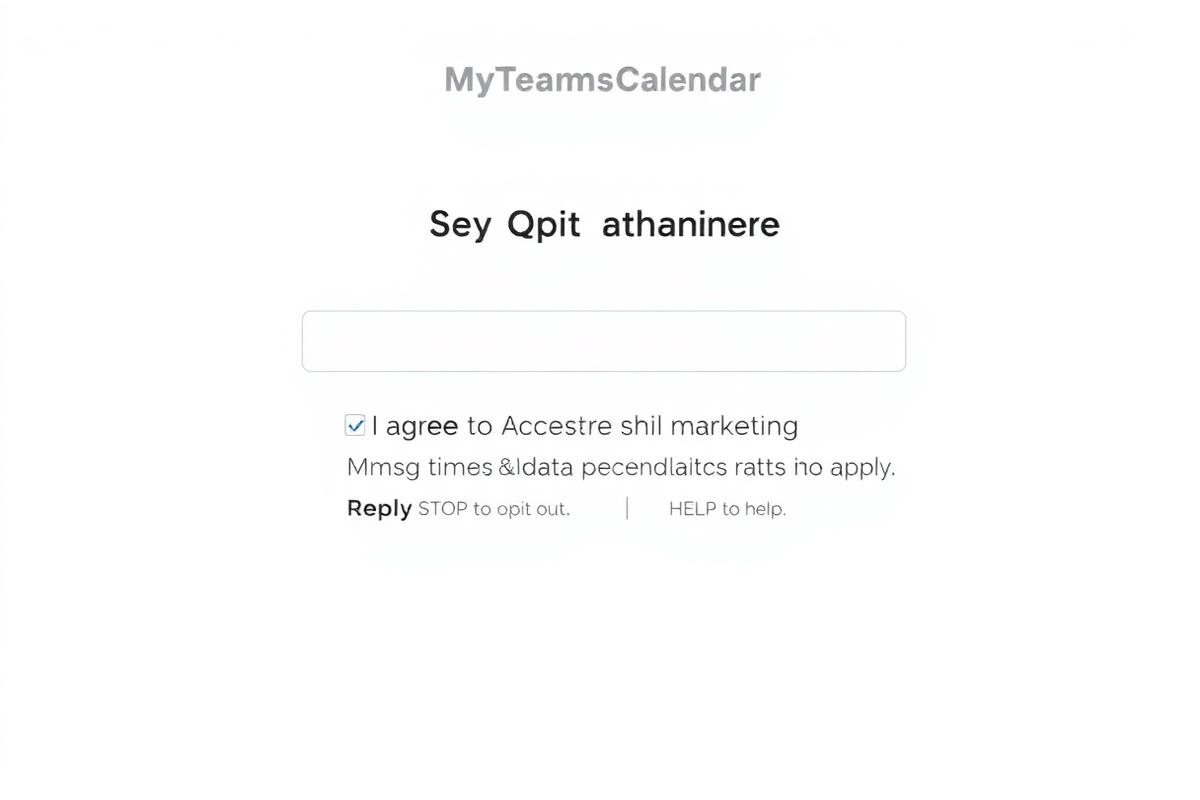
- Website form (primary): Users submit the marketing form at https://myteamscalendar.com/crm/marketing (or embedded forms) and explicitly check a consent box labeled "I agree to receive SMS marketing messages."
- Keyword (secondary): Users can text
JOINto our toll-free number to opt in. - Admin import (with consent): Contacts imported must have documented prior express written consent; records are retained.
Consent language shown at time of opt-in
"By providing your phone number, you agree to receive recurring promotional and personalized marketing text messages (e.g., cart reminders) from MyTeamsCalendar at the mobile number used at opt-in. Consent is not a condition of purchase. Message frequency may vary. Standard Message and Data Rates may apply. Reply STOP to opt out. Reply HELP for help. Your mobile information will not be sold or shared with third parties for promotional or marketing purposes. View our Privacy Policy and Terms of Service."
SMS Service Provider
SMS services are provided by Telnyx. By opting in, you also agree to:
Telnyx Terms and Conditions Telnyx Privacy PolicyOpt-in evidence (screenshot)
Opt-out & help
Users can opt out at any time by replying STOP. For assistance, users can reply HELP or contact support@myteamscalendar.com.